
If you are creating an event in Eventbrite, the latitude and longitude coordinates will automatically be passed through to the event in Webflow. However, if you are creating an event that does not need ticketing (e.g. Networking Drinks) you can create the event directly within Webflow. This can be done by duplicating an existing event or creating a new one. In either instance you will need to know the coordinates of your venue so the map renders correctly.
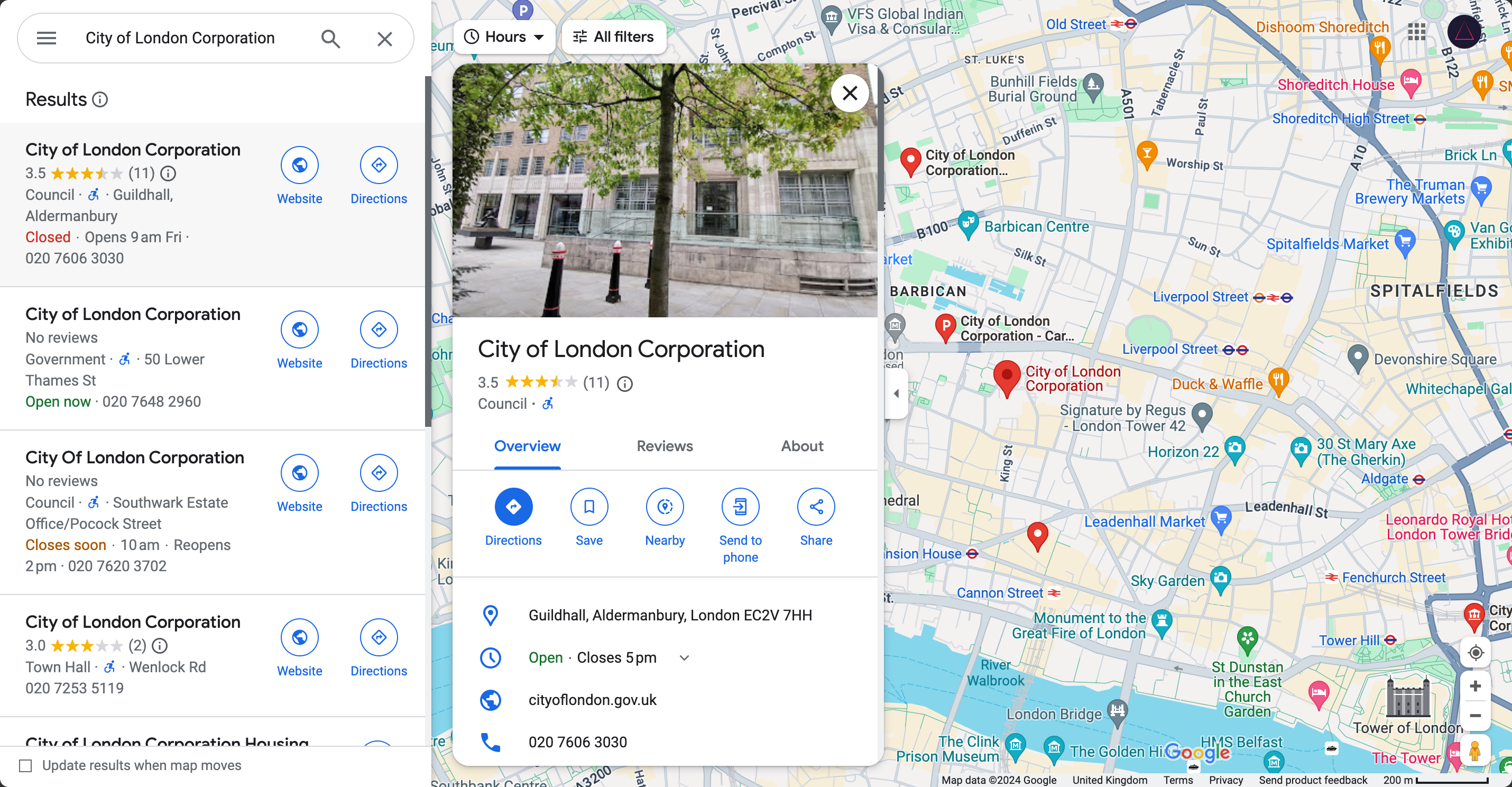
Using Google Maps, search for your venue. You should have a search result that looks something like this, whereby a red pin appears in the center of the map.
Right click on the red pin to reveal a contextual menu.
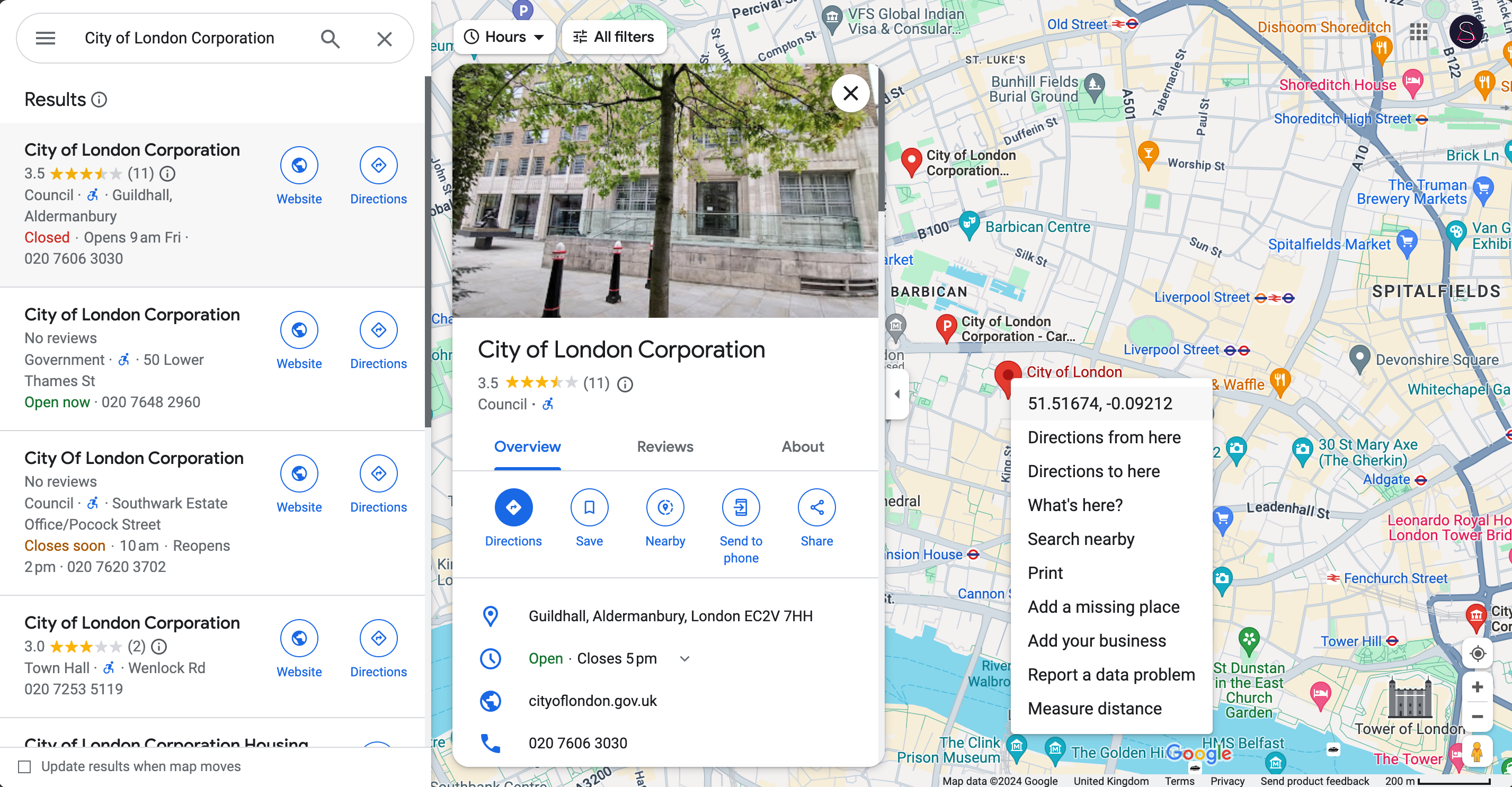
Click on the coordinates and they will copy to your clipboard. You can now paste them into your Webflow event.