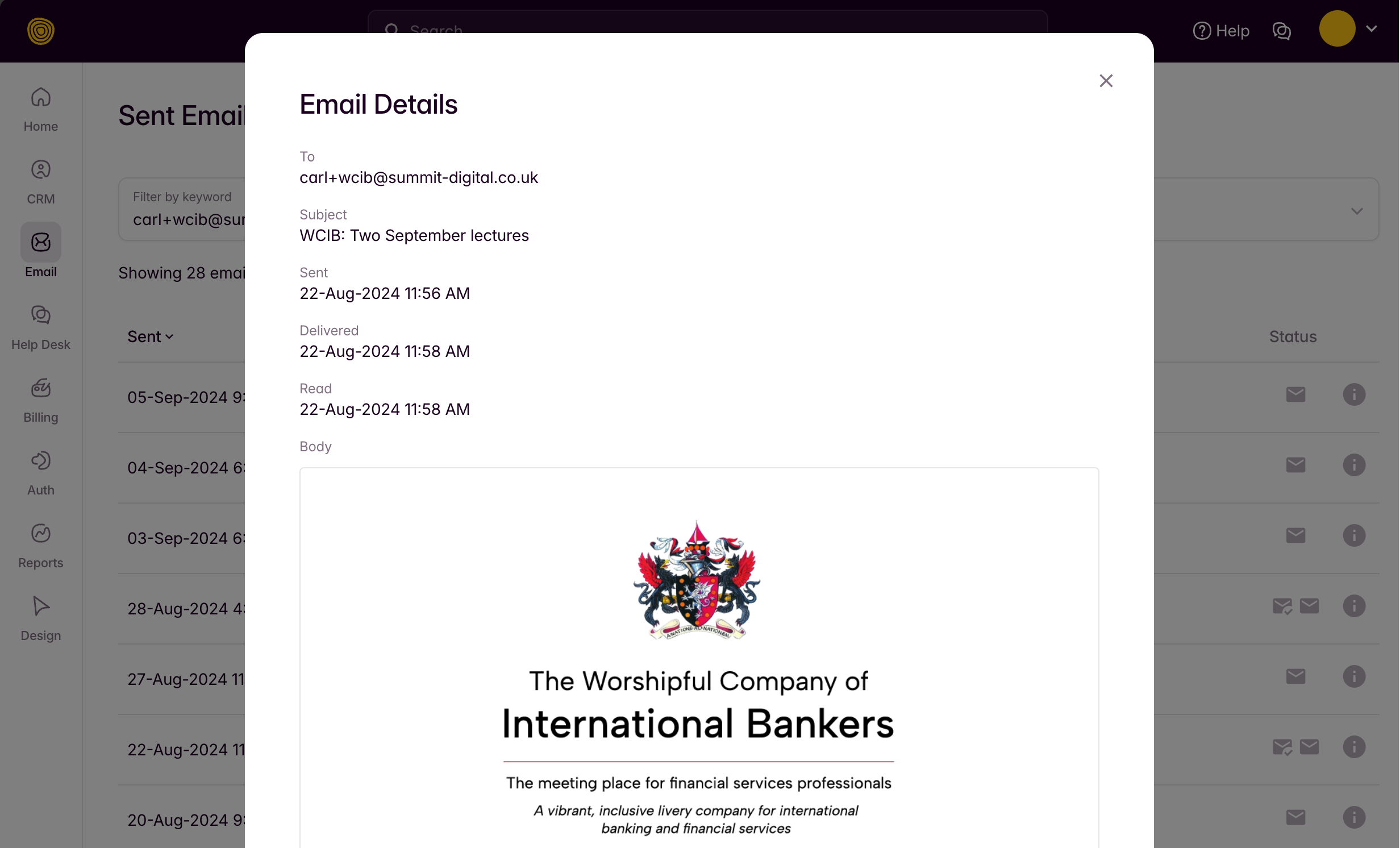
There are two methods to check whether a drip has been received by a prospect or member.
Method 1 - The sent log
To check whether a person has received a drip you think you have triggered, go to the navigation on the left and navigate to 'EMAIL > SENT LOG'.
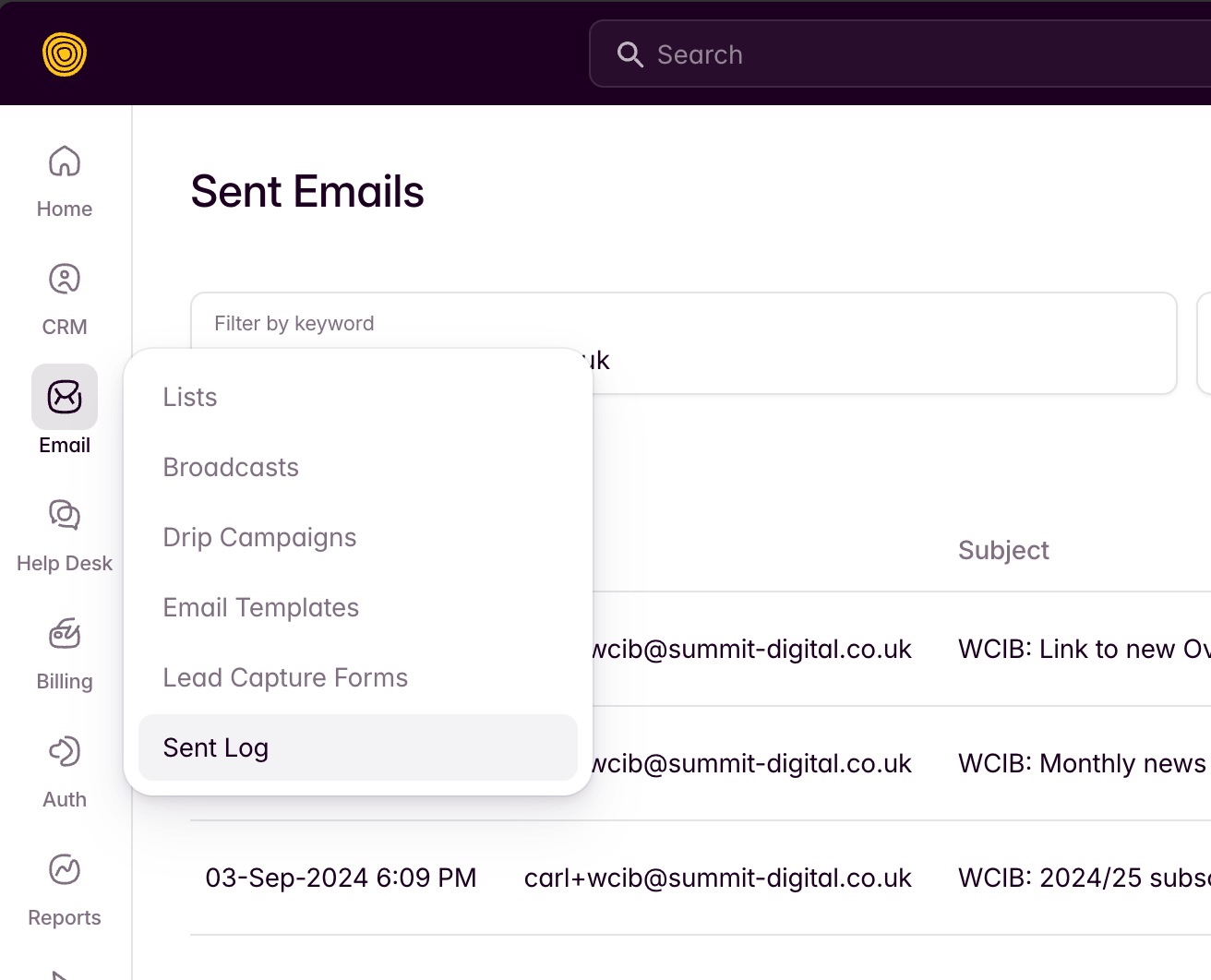
From here you can search by just about anything to find ANY email that has been sent by the system. Searching by the recipient's email address will work best.
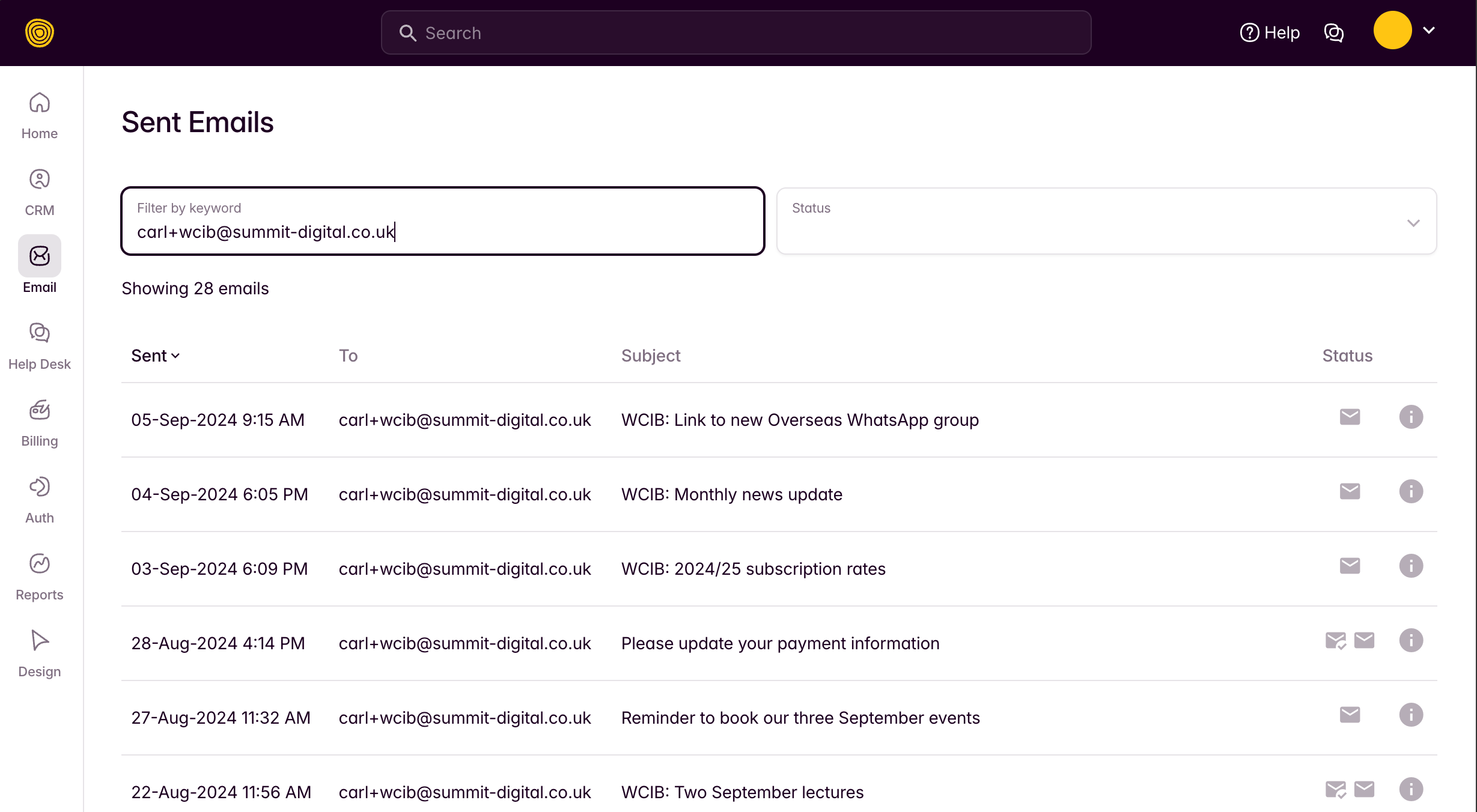
You can find out the recipients email address by going to 'CRM > PEOPLE' and searching for their record by their name.
To check whether an email has been read, click on the information symbol for the email record and it will display a summary of the email, including a preview of the email content and event whether the user has clicked on any links in the email (e.g. to create their account).